
1. Overview
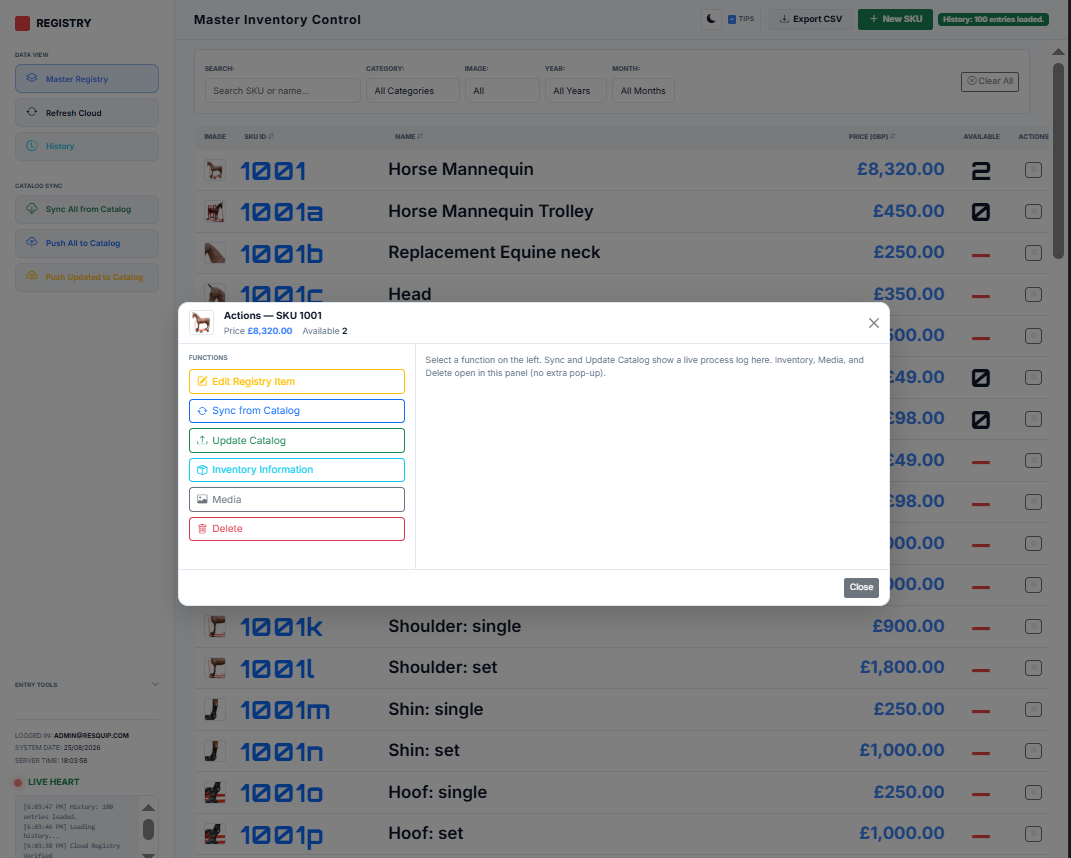
The main screen is your Master Registry table: product image, SKU, name, price, available stock, and an Actions menu per row.
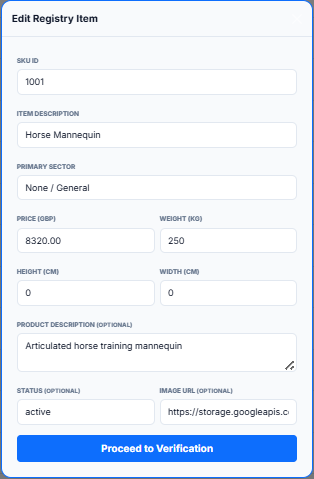
- Single-click a row to edit that SKU.
- Double-click a row to open its change history.
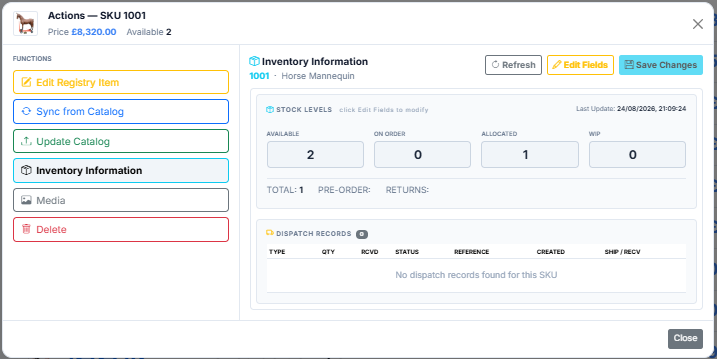
- Click the Available number to jump straight to Inventory for that SKU.
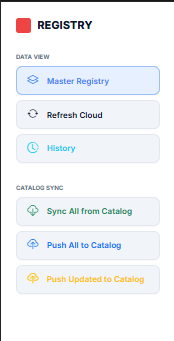
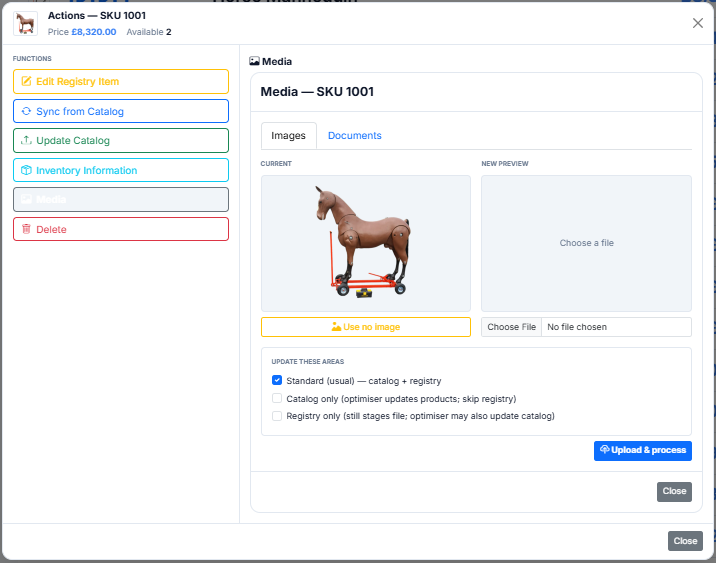
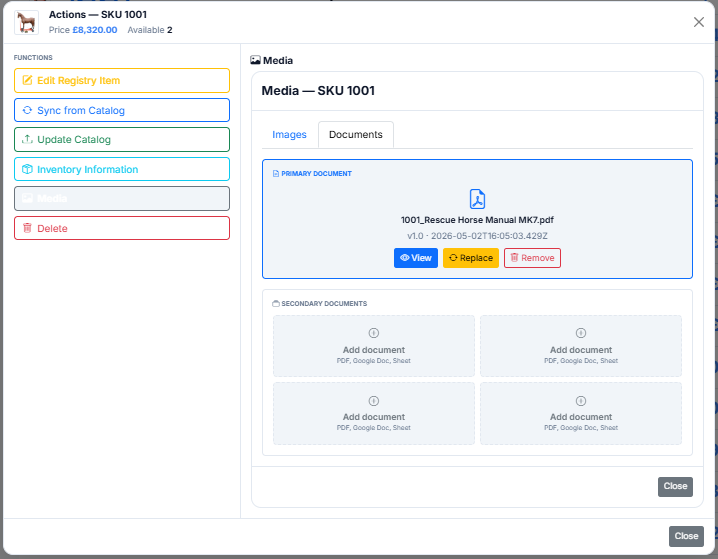
- Use the list button in Actions to open Sync, Push, Inventory, Media, Edit, or Delete.
 Open Sales App?
 Open Catalog App?
 Open ContactQ?